
Empowering Mission Leadership on Android
Manage your contribution groups, oversee rural church construction projects, track Kwacha allocations, and inspect verified financial ledgers with the official Stu-MM Corporate mobile app.

Scan to Install on Phone
Point your smartphone camera or QR reader at this code to download the APK directly onto your device.
Visual Tour of the App
Engineered with modern dark glassmorphism, responsive ergonomics, and executive financial dashboards tailored for Adventist mission stewards.
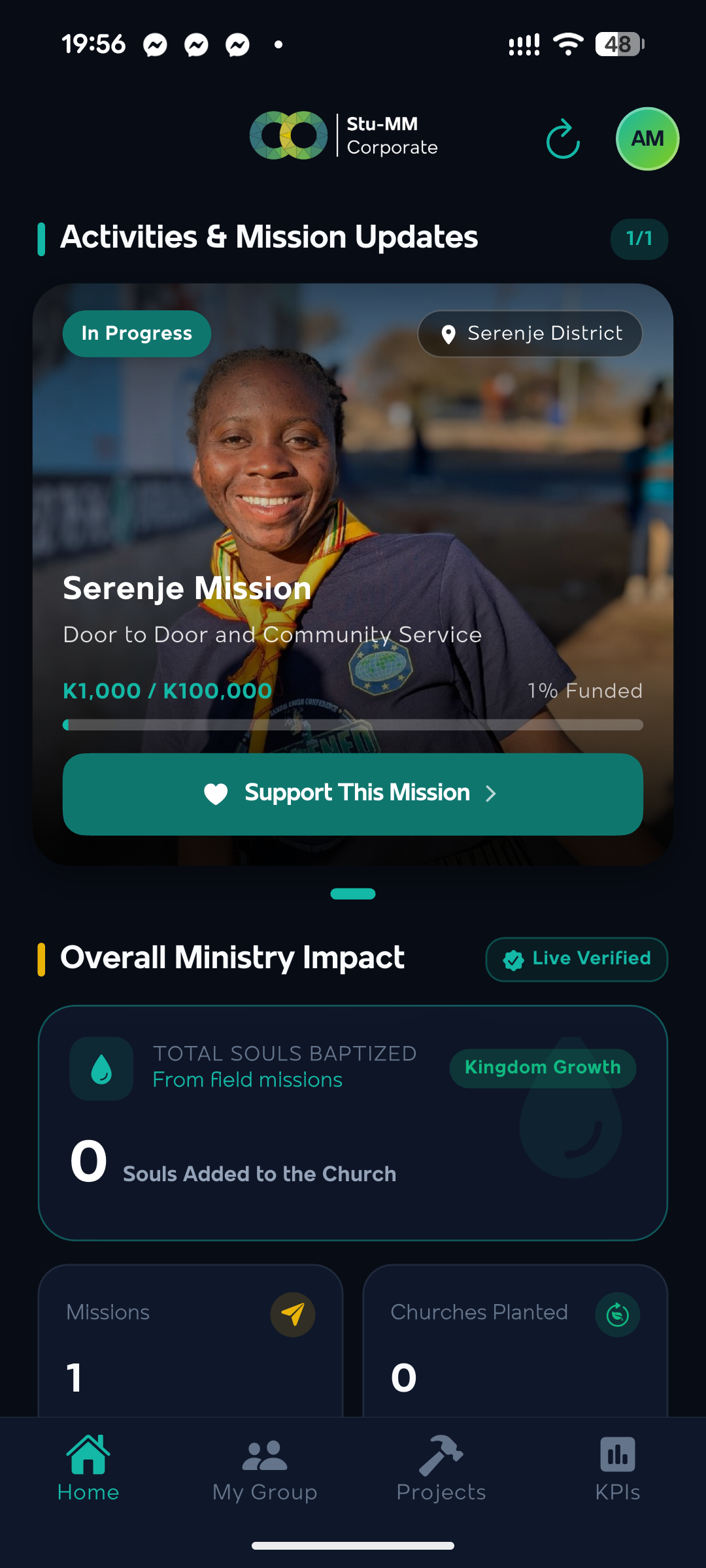
Activities & Ministry Impact
Real-time updates on active missions such as Serenje Mission, pledge goals (K1,000 / K100,000 ZMW), and overall ministry stats for souls baptized, missionaries, and churches planted.
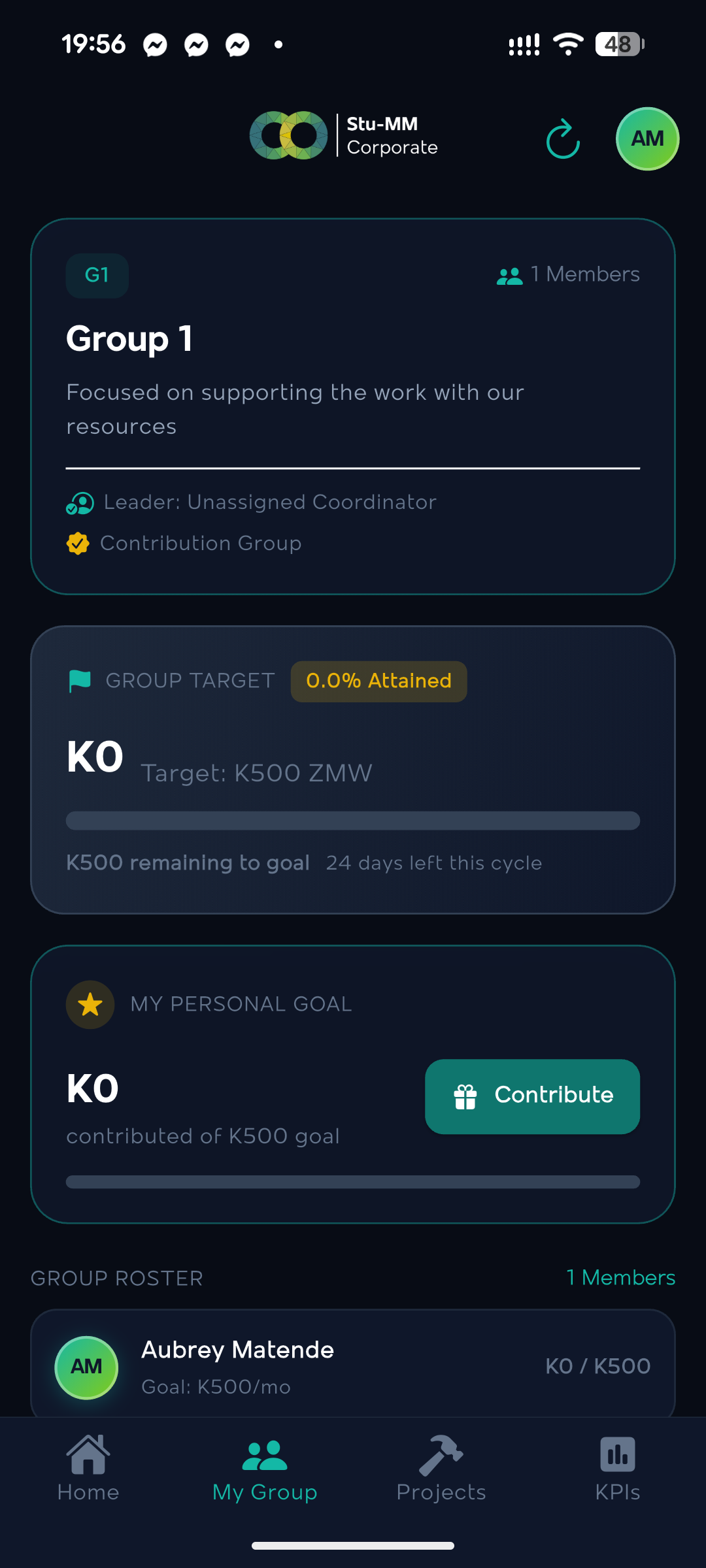
Group Targets & Giving Cycles
Coordinate fellowship groups (Group 1), track target achievements in Zambian Kwacha, set personal monthly pledges, and monitor member giving cycles.
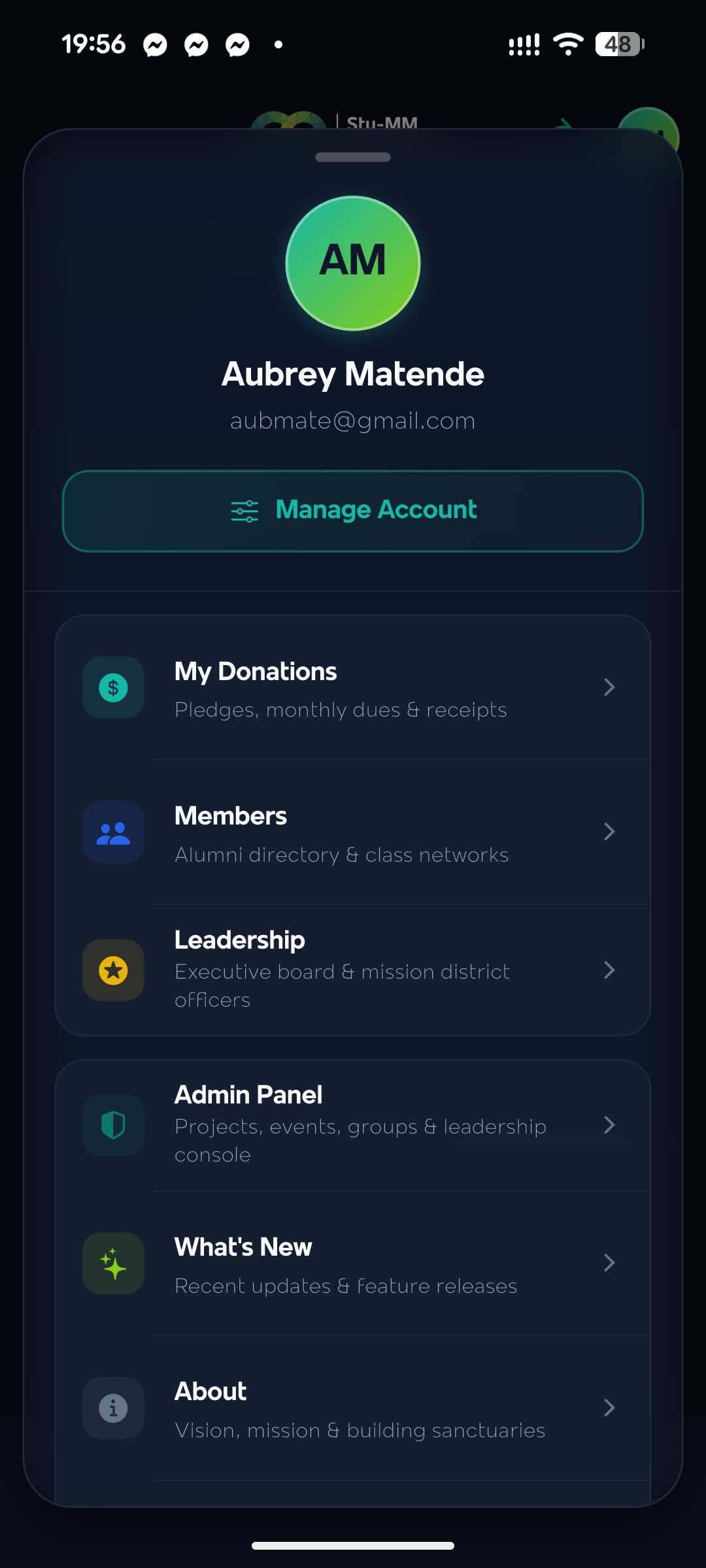
Member Profile & Admin Panel
Secure profile and management console allowing alumni members and executive leaders to view donation histories, class directories, leadership rosters, and admin controls.
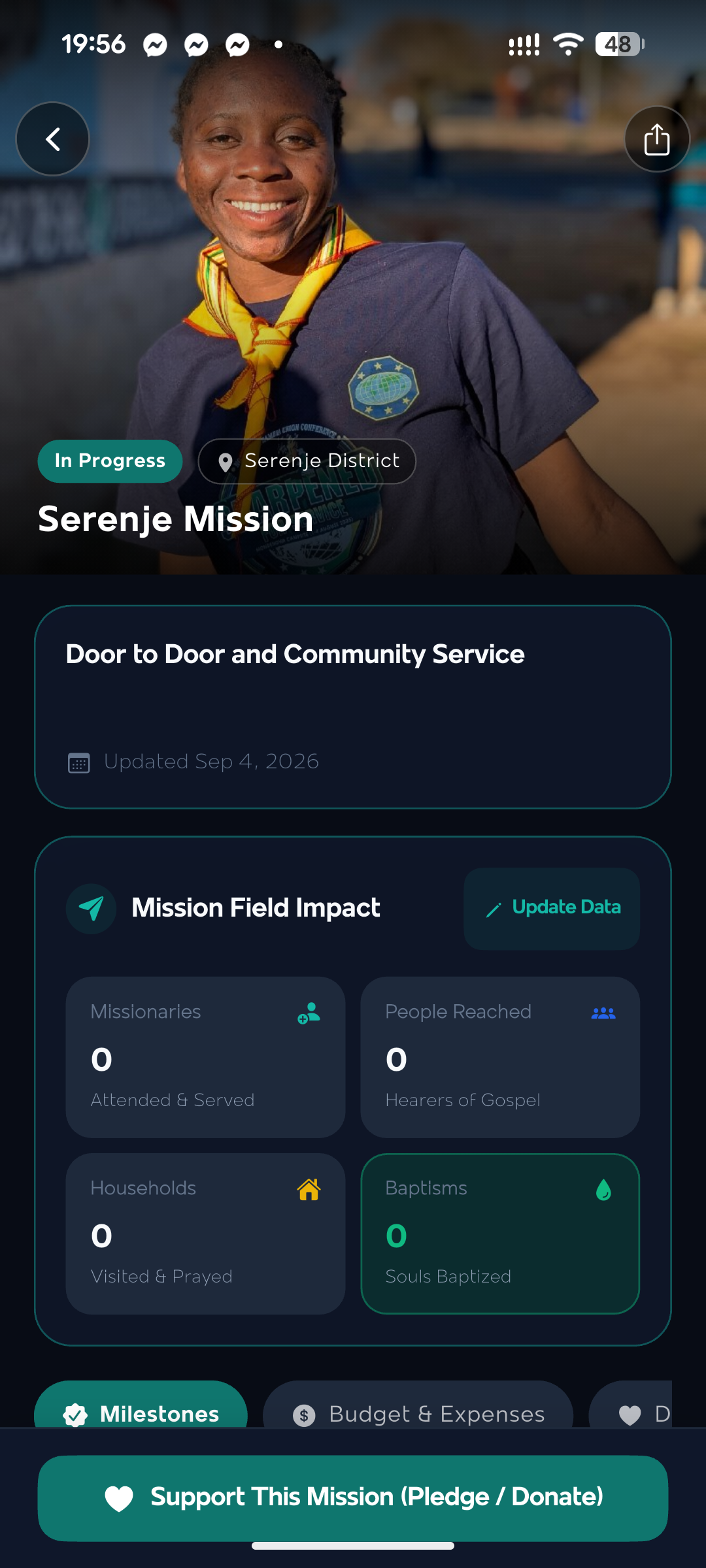
Project Details & Field Impact
Detailed project dashboard featuring door-to-door community service metrics, souls reached, visited households, project milestones, and live budget vs expenses ledgers.
How to Install on Your Android Phone
Because this is an official direct release outside the Google Play Store, Android requires a one-time approval. Follow these 3 easy steps:
Download the APK
Tap the Download APK button or scan the QR code above. If your browser warns "File might be harmful", tap Download anyway.
Allow Unknown Apps
Open the downloaded file from your notifications. If prompted by Android Security, tap Settings and enable Allow from this source (e.g. Chrome).
Install & Launch
Tap Install. Once installation finishes, tap Open to launch Stu-MM Corporate and log in with your credentials.
Application Specifications
| Application Name | Stu-MM Corporate Mobile |
|---|---|
| Package Identifier | org.stumm.corporate |
| Version & Build | 1.0.0 (Build 1) - Release |
| File Size | 60.6 MB (Fat Universal APK) |
| Supported Architecture | arm64-v8a, armeabi-v7a, x86_64 |
| Minimum Android OS | Android 7.0 (API Level 24) or newer |
| Release Signature | 2048-bit RSA Upload Key (Stu-MM Corporate) |
| Backend REST API | api.stu-mmcorporate.org (TLS 1.3 / HTTPS) |